Archive
Enable support for Configuration Manager extensions in Windows Admin Center v2
Windows Admin Center (WAC) v1 (2311, MSI,…) has it’s own extension feed (https://aka.ms/sme-extension-feed):
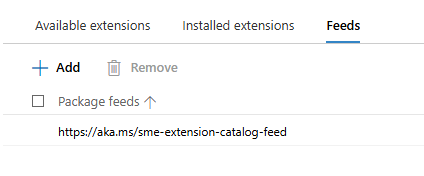
With this older version of WAC we are able to extend WAC functionality with support for Configuration Manager Client and Configuration Manager Client Tools. New WAC (WAC v2) is using different extension feed and as of mid-February 2026 this feed doesn’t have Configuration Manager extension.
WAC v1 – default extensions:
Apps & features
Azure Backup
Azure File Sync
Azure hybrid center
Azure Kubernetes Service
Certificates
Cluster Creation
Cluster Manager
Developer Guide
Devices
Diagnostics
Events
Failover cluster tools
Files & file sharing
Firewall
GPUs
Hardware Manager for Azure Stack HCI (Microsoft Hardware Only)
Local users & groups
Microsoft Defender for Cloud
Network ATC
Network Controller tools and SDN Virtual networks
Networks
Packet monitoring
Performance Monitor
PowerShell
Processes
Registry
Remote Desktop
Remote Support
Roles & features
Scheduled tasks
SDN Gateway connections
SDN infrastructure
SDN Load balancers
SDN Logical networks
SDN Network security groups
SDN Route tables
Security
Server Manager and Computer Management
Services
Storage
Storage Migration Service
Storage Replica
System Insights
Updates
WAC v1 – available extensions:
Active Directory
Advantech IPMI Management (Preview)
Azure Cloud Shell (Preview)
Azure Extended Network
BiitOps Changes
BiitOps Inventory
Configuration Manager Client (Preview)
Configuration Manager Client Tools (Preview)
Containers
DataON MUST Pro
DataON MUST Visibility, Monitoring, and Management Tool
Dell APEX Cloud Platform
Dell OpenManage Integration
Dell PowerPath
Dell PowerStore Manager
DHCP (Preview)
DNS
Fujitsu ServerView® Health
Fujitsu ServerView® RAID
FUJITSU Software Infrastructure Manager
HPE Azure Stack HCI Cluster Deployment and Update Snap-In
HPE OneView WAC Extension
HPE Server and Azure Stack HCI WAC Extensions
HPE Storage
Intel® Server Debug and Provisioning Tool
Lenovo XClarity Integrator
Marvell QLogic Fibre Channel QConvergeConsole Extension
msft.iis.iis-management
NEC ESMPRO
Pure Storage FlashArray
QCT Management Suite
SDN Public IP addresses (Preview)
secureguard blazics Updates
Security (Preview)
Thomas-Krenn.AG | Driver & Firmware Updates
Thomas-Krenn.AG | S2D Micro-Cluster
WAC v2 – default extensions:
Apps & features
Azure Backup
Azure File Sync
Azure hybrid center
Certificates
Cluster Creation
Cluster Manager
Developer Guide
Devices
Events
Failover cluster tools
Files & file sharing
Firewall
Local users & groups
Network ATC
Network Controller tools and SDN Virtual networks
Networks
Packet monitoring
Performance Monitor
PowerShell
Processes
Registry
Remote Desktop
Roles & features
Scheduled tasks
SDN Gateway connections
SDN infrastructure
SDN Load balancers
SDN Logical networks
SDN Network security groups
SDN Route tables
Security
Server Manager and Computer Management
Services
Storage
Storage Migration Service
Storage Replica
System Insights
Updates
Virtual machines and switches
Windows LAPS
WAC v2 – available extensions:
Active Directory
Azure Kubernetes Service
Containers
DataON MUST Visibility, Monitoring, and Management Tool
Dell APEX Cloud Platform
Dell OpenManage Integration
DHCP
DNS
GPUs
Lenovo XClarity Integrator
NEC ESMPRO
NetApp Shift Toolkit (Preview)
Pure Storage FlashArray
VM Conversion (Preview)
What happens if we add WAC v1 extension feed to WAC v2?
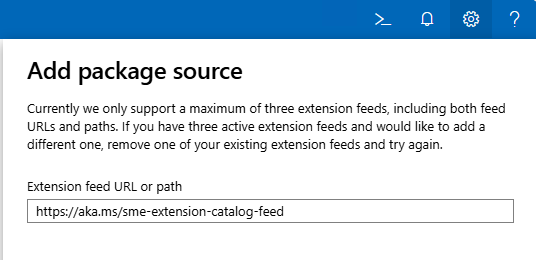
Hm, it gets successfully added…
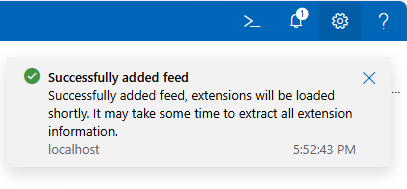
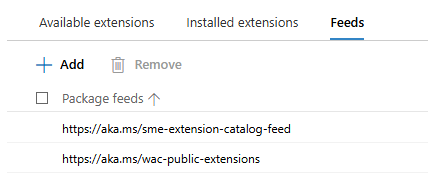
But, does it actually work? Well, no…
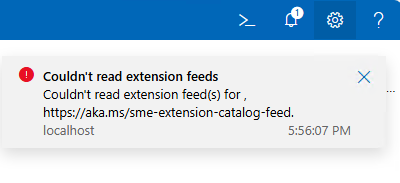
To get support for old extension feed in WAC v2, we are still missing one key configuration change:
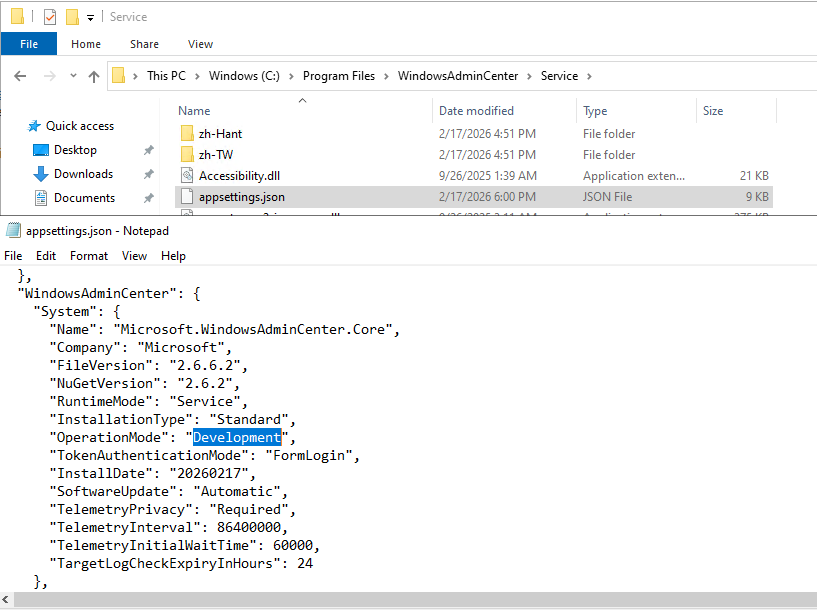
We need to change WAC “operation mode” from “Production” to “Development”. And because this is WAC service configuration file we just changed, we must restart WAC service (Restart-Service -Name WindowsAdminCenter) before we can see this change applied to our WAC portal:
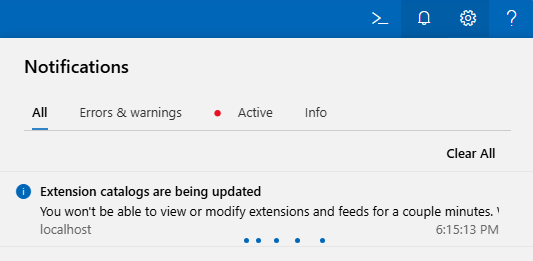
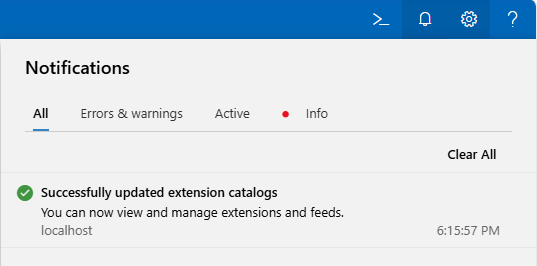
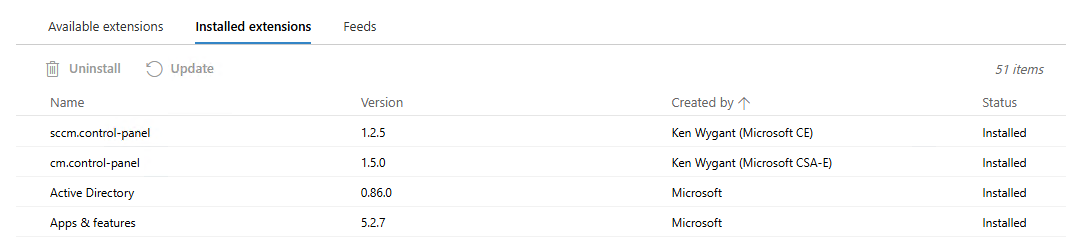
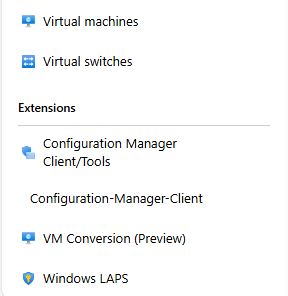
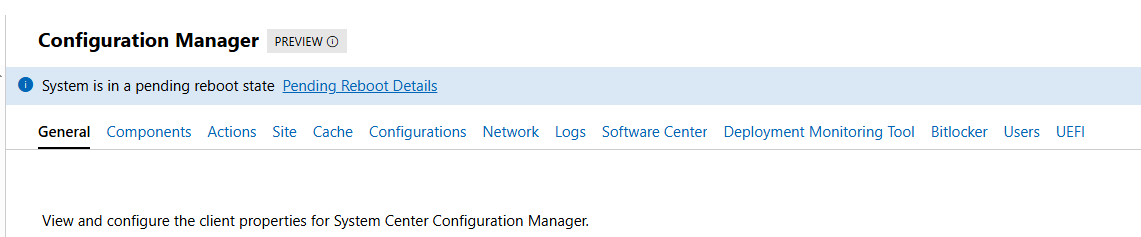
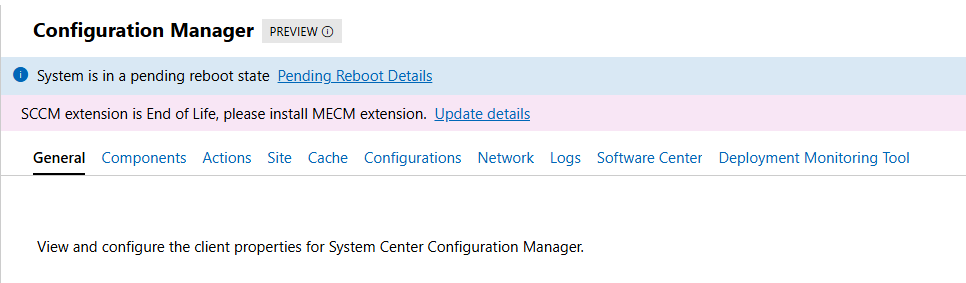
If all goes well, we can now see all “old WAC v1” extensions, including the two for the Configuration Manager Clients:
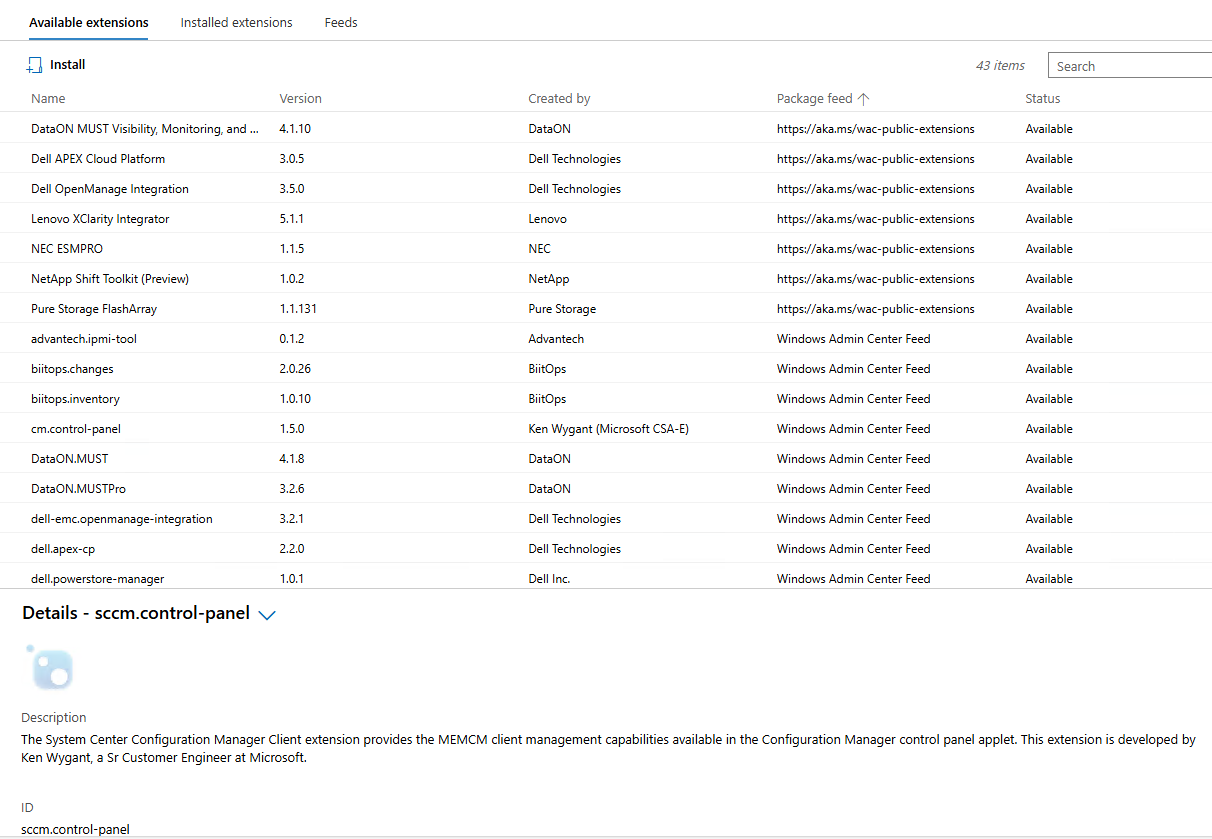
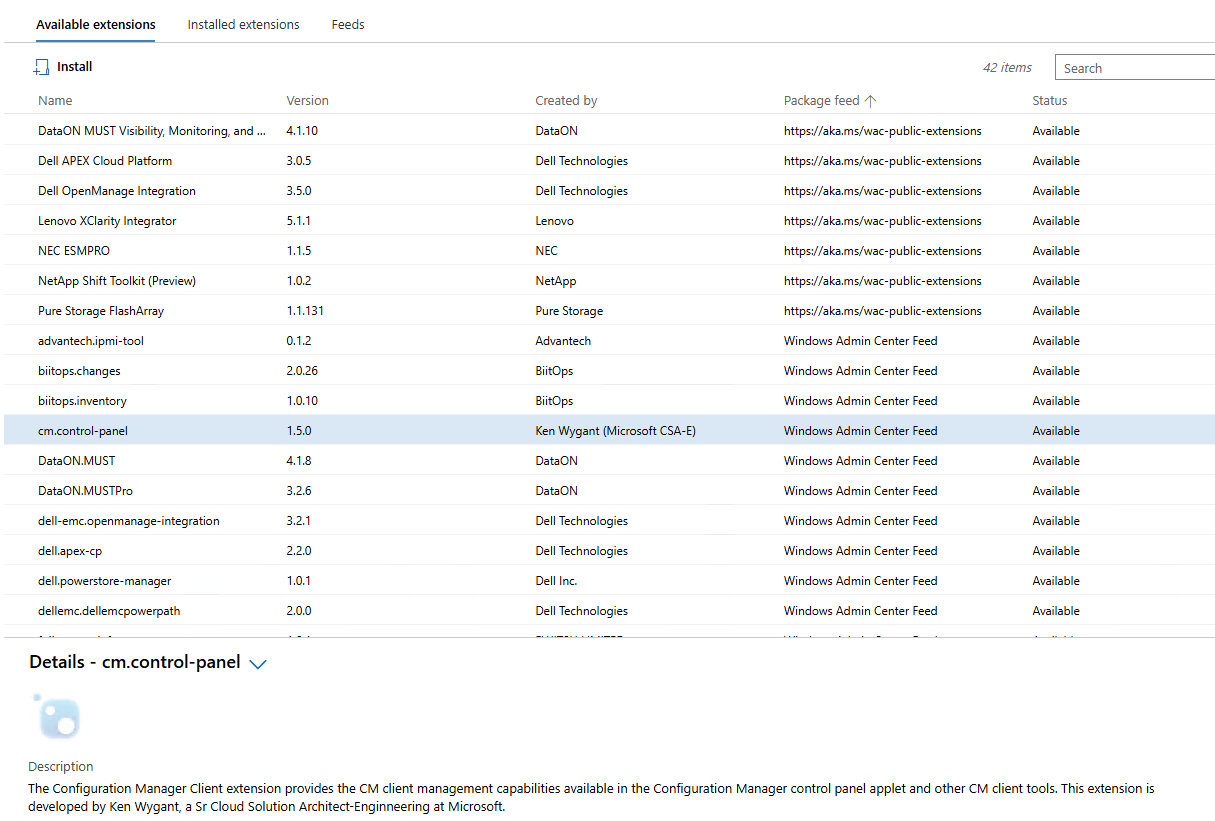
CM extensions installed side-by-side with new extensions on WAC v2:
Until we meet again…
Configuration Manager current branch 2509 available as baseline
With the latest update to Configuration Manager (CM) current branch (version 2509) we’ve finally received new baseline version we can use for new site deployments. Previous baseline version is 2403 and was supported until 22nd of October, 2025. If we had any new site deployments in the last month or two, we had to go first through the deployment of an unsupported product and later on update it to the supported version (2409 and/or 2503). Since CM evaluation links are not yet updated with new baseline version, we still have to do this type of double deployment for evaluation deployments (if we want to use up-to-date systems). The same applies as well to the Windows 11 and Microsoft 365 Deployment Lab Kit download – it was updated in November 2025 with Windows 11 25H2 images, but the Configuration Manager current branch version preinstalled is as of this writing still at version 2403.

Version 2509 is currently available as an in-console update to those that are already running Configuration Manager current branch in their environment. If not, we can find baseline media on the Volume License Service Center or on Microsoft Visual Studio Download center.
General enhancements in version 2509:
- version 2509 of Configuration Manager focuses on security and quality updates (KB35877153)
- Windows 11 25H2 support
- Boot images can be automatically updated to use latest Windows Boot Loader (signed with Windows UEFI CA 2023) – only works on WDS-Less PXE-enabled Distribution Points
- Service Connection Tool improvements (better logging and error handling)
- minimum SQL 2016 or later version
- more info available at: What’s new in version 2509
More information about Configuration Manager versions, support end dates, baselines, hotfixes and more, we can find at Updates and servicing for Configuration Manager.
 Going down the IT rabbit hole